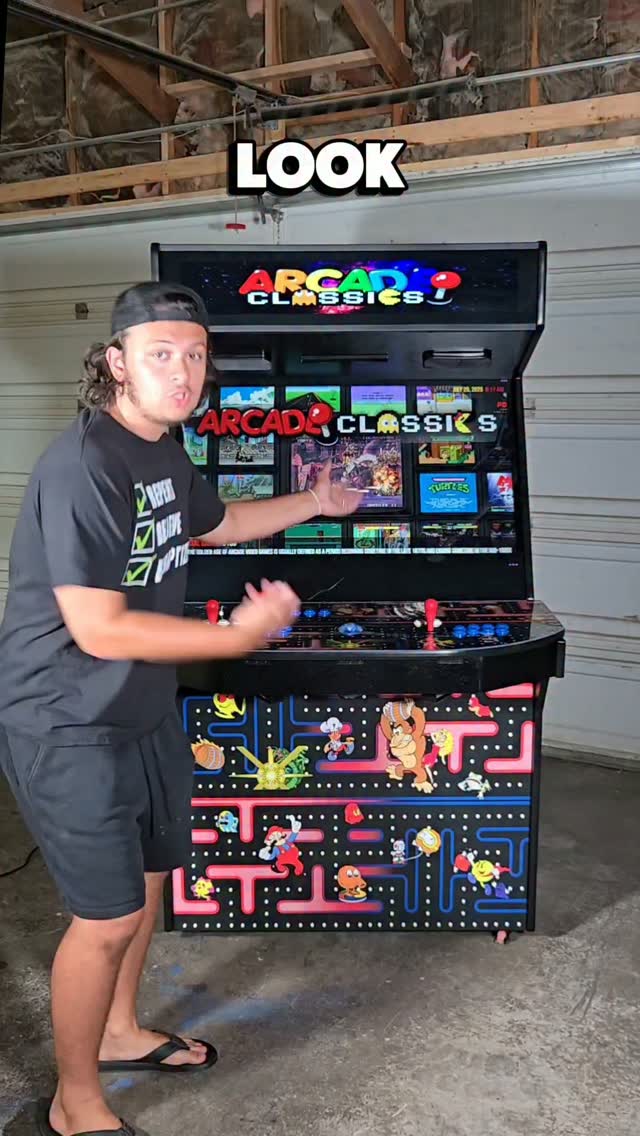
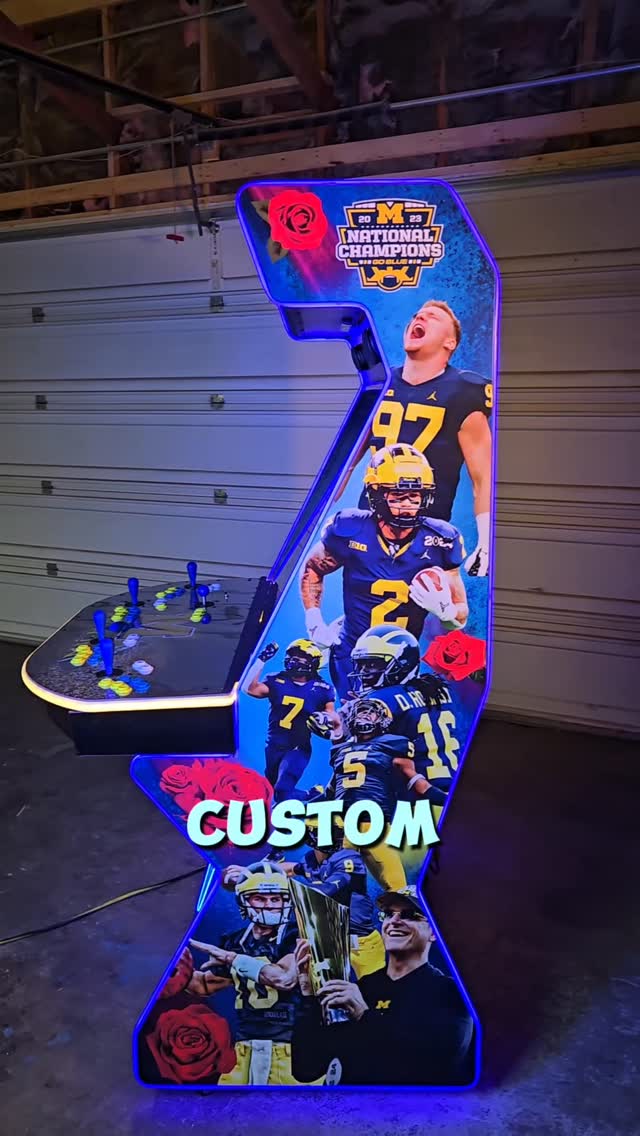
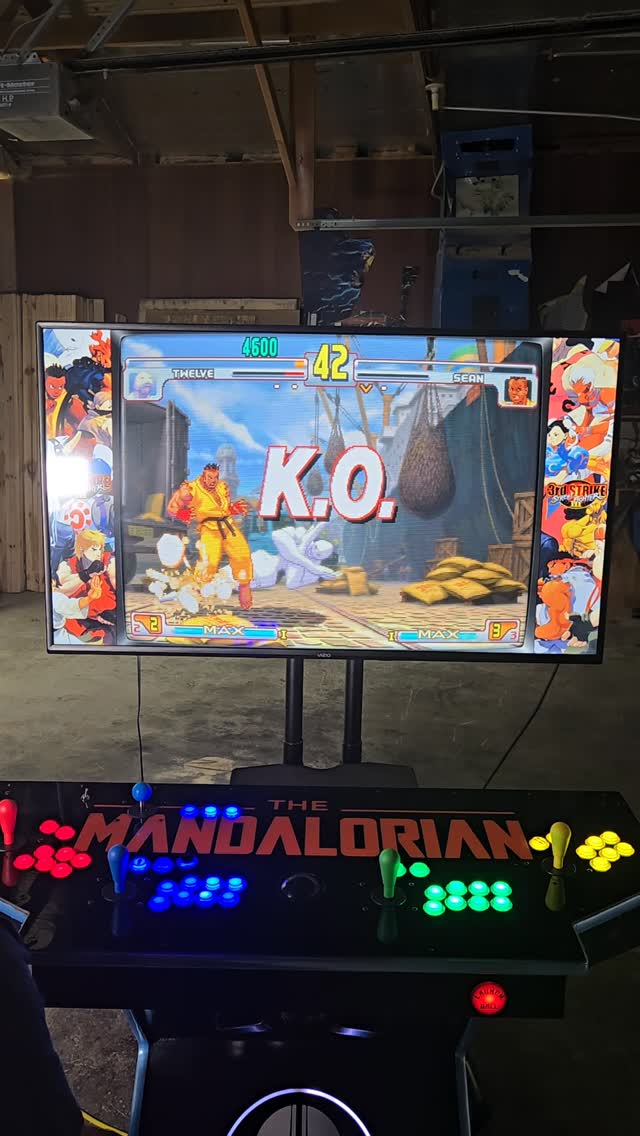
Below is a table summarizing the different types, sizes and specifications of standard EHA machines. Each machine will be covered in more detail later, but this is an overview.
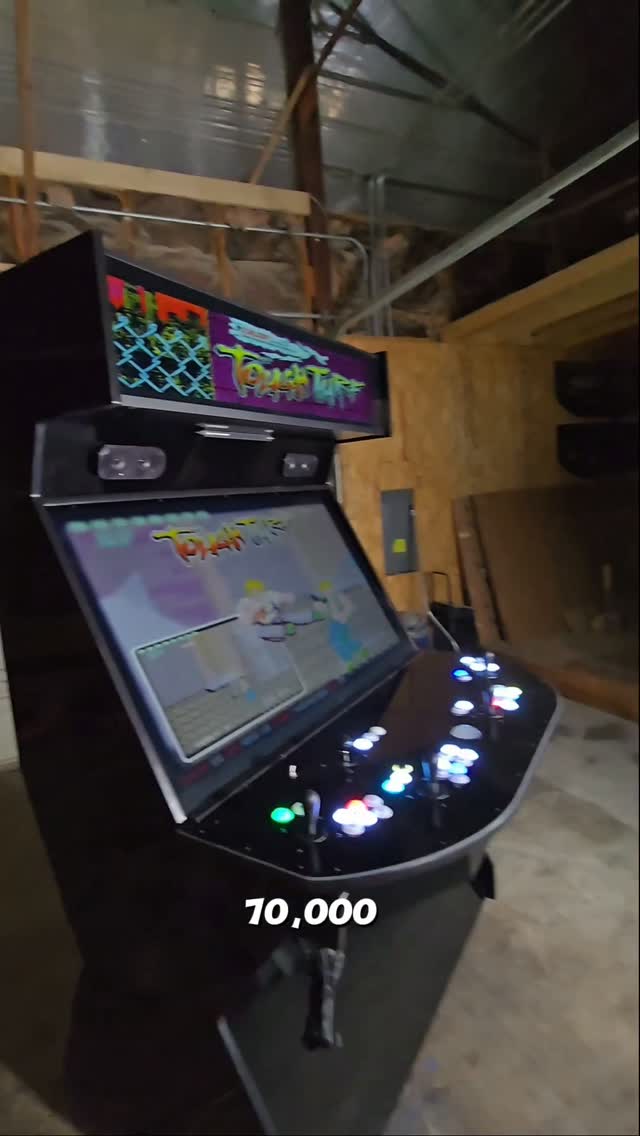
Upright machines include: Classic, Ultrawide Classic, Stealth and Megacade
Ultrawide Classic machines are nearly the same as the Megacades but in a more “classic” shape (they also include larger monitors than the plain Classic).
In a normal Pedestal, the computer is housed in the lower part of the cabinet.
In a Pedestal Combo the computer is built into the top “GameBox” portion of the pedestal so you can leave the base of the pedestal behind if you wish. For example, you could move the top “GameBox” portion to another room or another home and plug it directly into any HDTV and leave the base behind. That's versatility!
EHA Customer Preference/Sales
EHA builds currently breakdown as follows:
Type of Machine
Percent of Machines Built
4-Player Megacade
70%
4-Player Pedestal
10%
2-Player Megacade
5%
2 or 4-Player Classic/Stealth
5%
2-Player GameBoxes
5%
4-Player GameBoxes
5%
Total
100%
Will it Fit in My House, Apartment, Condo, or Business?
As long as you have at least 30" door frames (with a clearance of at least 28 ½" ) a 4-player Megacade (or any other EHA machine) will fit into your house as long as the joystick/control panel is removed. See video. Also, EHA can cut your upright in half (horizontally, just under the monitor) - to further assist you in getting the machine in your house. You should notify EHA early on in the process if this will be necessary.
How Will I Move It?
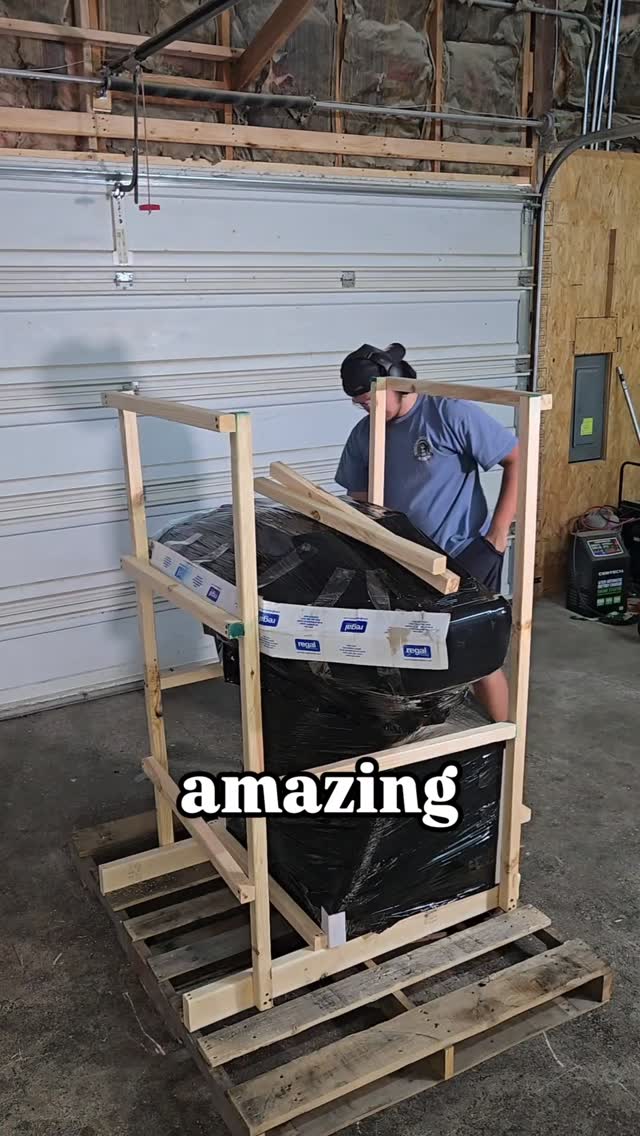
It is recommended that you have help to move your machine particularly the uprights, but even for the pedestals. Some customers have 2 to 3 friends help them move their machine. Others hire professional movers. When you have something that is large, close to 300 pounds, is costly, and which is sensitive to rough movements you want to make sure you adequately plan for this aspect of your purchase. This is particularly true if you have stairs, tight hallways, low ceilings or narrow doorways. Be sure and plan ahead. If you have a concern, use cardboard boxes and duct tape to build a rough replica of your machine and test fit it through any places your are concerned about. Be sure and take into account that the joystick/control panel will be removed. EHA can help you with additional dimensions you may need.
How Can I Be Cost Efficient?
It is important to understand that no matter what model or cabinet you purchase (Classic, Stealth, Megacade, Pedestal, Table Top, Cocktail Table or GameBox) the hardware, software, games and upgrades are the same. So, if you want a 4-player machine and your budget cannot absorb the cost of a 4-player Megacade (by far EHA's most popular machine) consider a 4-player GameBox it's nearly half the cost and you can use your own TV/monitor. Likewise if your budget cannot afford a 2-player Megacade, consider a 2-player GameBox or 2-player Table Top. They are much less expensive and still play the same games.
Add peripherals later. It does not seem like it, but the peripherals add up. These include: light guns, wireless X-Box controllers, steering wheel/pedal, wii controllers, dance pad, active marquee, etc. These can all be added later. You don't have to swallow the “elephant” in one bite, you can take smaller bites and get the same result. The one exception is light guns. If possible, it is advantageous to purchase light guns upfront so EHA can setup and install them. But, if you cannot do this, they can be added later you will just have some additional work to do.
You can go with a straight painted cabinet with no graphics and save $250 to $400. Alternatively, after the fact, you can buy some inexpensive wall decals and add your own graphics to your machine.
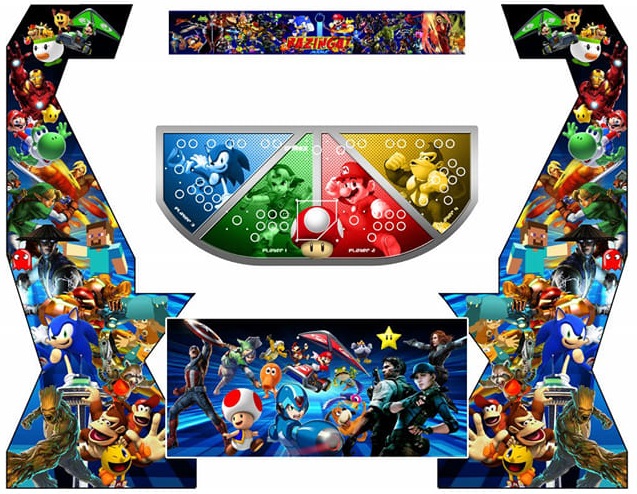
You can select the graphics from a previous EHA build (see photos on the EHA Website and EHA Facebook page) and they will install them on your machine for FREE (if there are no modifications). You can go to the EHA website and click on “Arcade Systems” and then click on “Search." Type in “Star Wars” or whatever you want and you will probably find some great graphics already designed which you can have on your machine for free. Be sure and take down the number and any identifying characteristics of the graphics.
Designing Your Graphics
There are pictures of hundreds of EHA builds on their website and current builds on their EHA's Facebook page. These can give you great ideas for your machine. Do not forget to use the search feature mentioned above.
If you go to EHA with your ideas on graphics for your machine they will do a great job taking your ideas and making them reality.
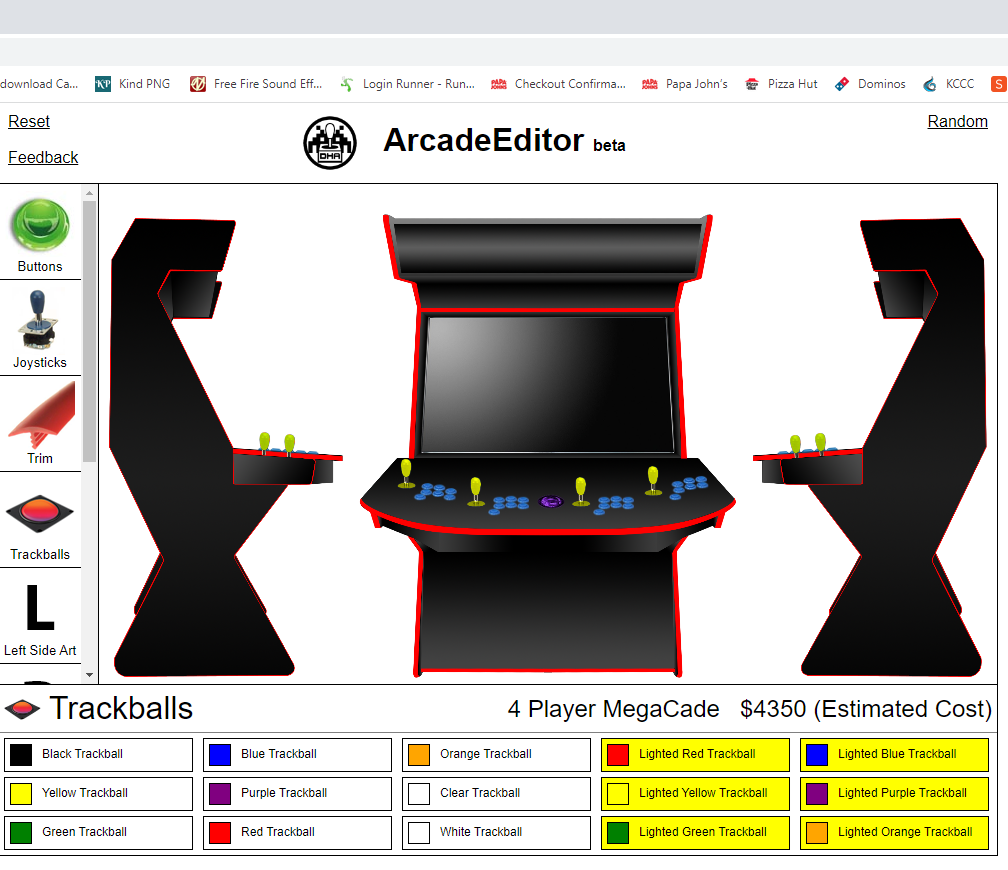
Another great way to work on your graphics design is to use their Arcade Editor (see below).
Subscribe To Stay Informed
Thank you! Your submission has been received!
Oops! Something went wrong while submitting the form.