Clear Cart
Product Title
Add-On
Product Metafield Value
Option 1 / Option 2 / Option 3
Product Note
Subscription Plan Info
Product Discount (-$0)
COUPON1 (-$0)
$0
$0
-
+
Your cart is Empty. There must be something you'd like to add!
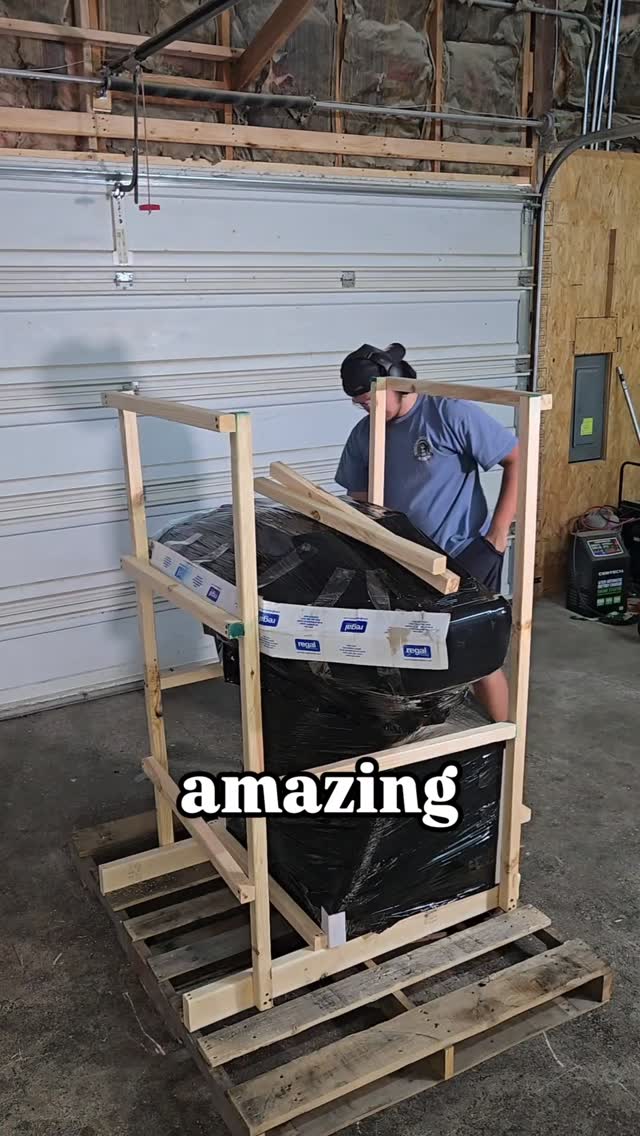
Once you have received your Extreme Home Arcades machine from the freight carrier, the next step is to get your machine safely inside your house, apartment, residence or in some cases business.
Some of the machines are quite large and heavy (Megacade, Classic, Stealth, Pedestal, etc.) Please do not try and move these machines by yourself. It is best to get a minimum of 2 or 3 friends to help you. Another common strategy is to hire a professional moving company to move the machine for you.
If you have a 4-player machine or a large 2-player machine you may need to remove the joystick/control panel to get your machine through a 34" doorway. This can be done in 10-15 minutes. See the video: Remove Joystick Panel from Megacade to Fit Through Standard doorway.
Also, take pictures of everything before you move it so you put it back EXACTLY the way you found it. This cannot be overstated.
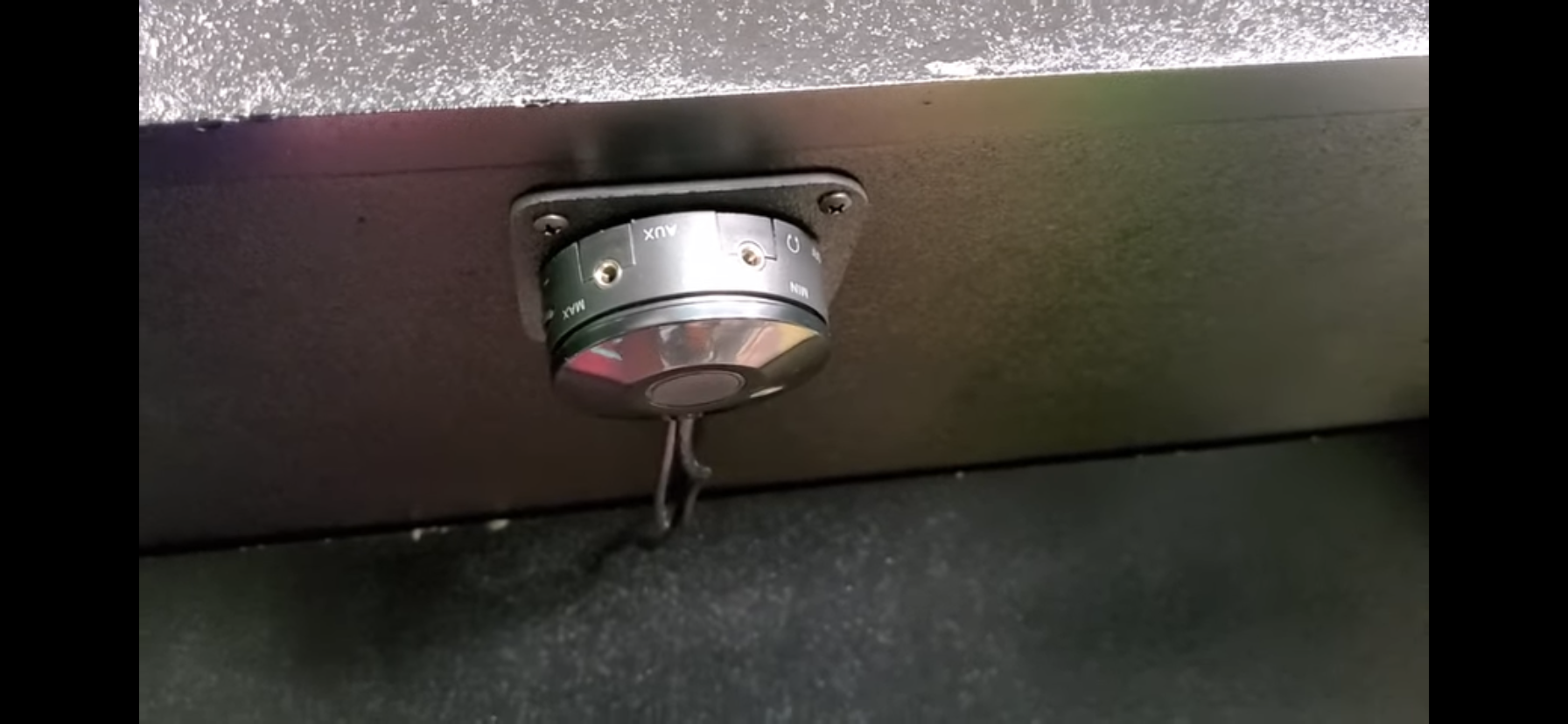
The Main Volume Control on all uprights and pedestals is located UNDER the joystick/control panel. Unscrew the 4-screws holding the Main Volume Control in place and let it gently hang down from the cabinet.

Remove the lower back door on your machine. Carefully disconnect all cables coming out of the back of your joystick/control panel. Take a picture for reference. You must put them back exactly the way you found them.
YOU WILL NOW START TO REMOVE THE JOYSTICK/CONTROL PANEL. BEFORE BEGINNING, HAVE ANOTHER PERSON OR 2 HOLD THE JOYSTICK/CONTROL PANEL. THE JOYSTICK/CONTROL PANEL IS FRONT HEAVY AND CAN FALL OFF THE MACHINE IF SOMEONE IS NOT HOLDING IT UP.
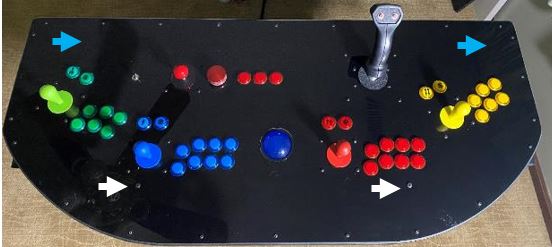
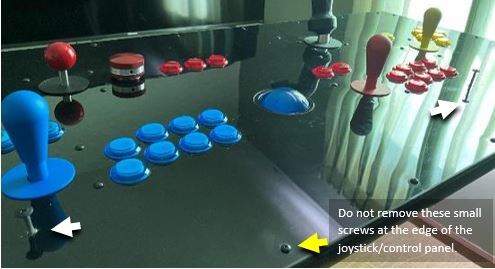
On the joystick/control panel, remove the 2 SILVER OR BLACK Phillip-head screws (2" long) that hold your joystick/control panel shut. Do NOT remove the smaller screws along the perimeter/outside edge.
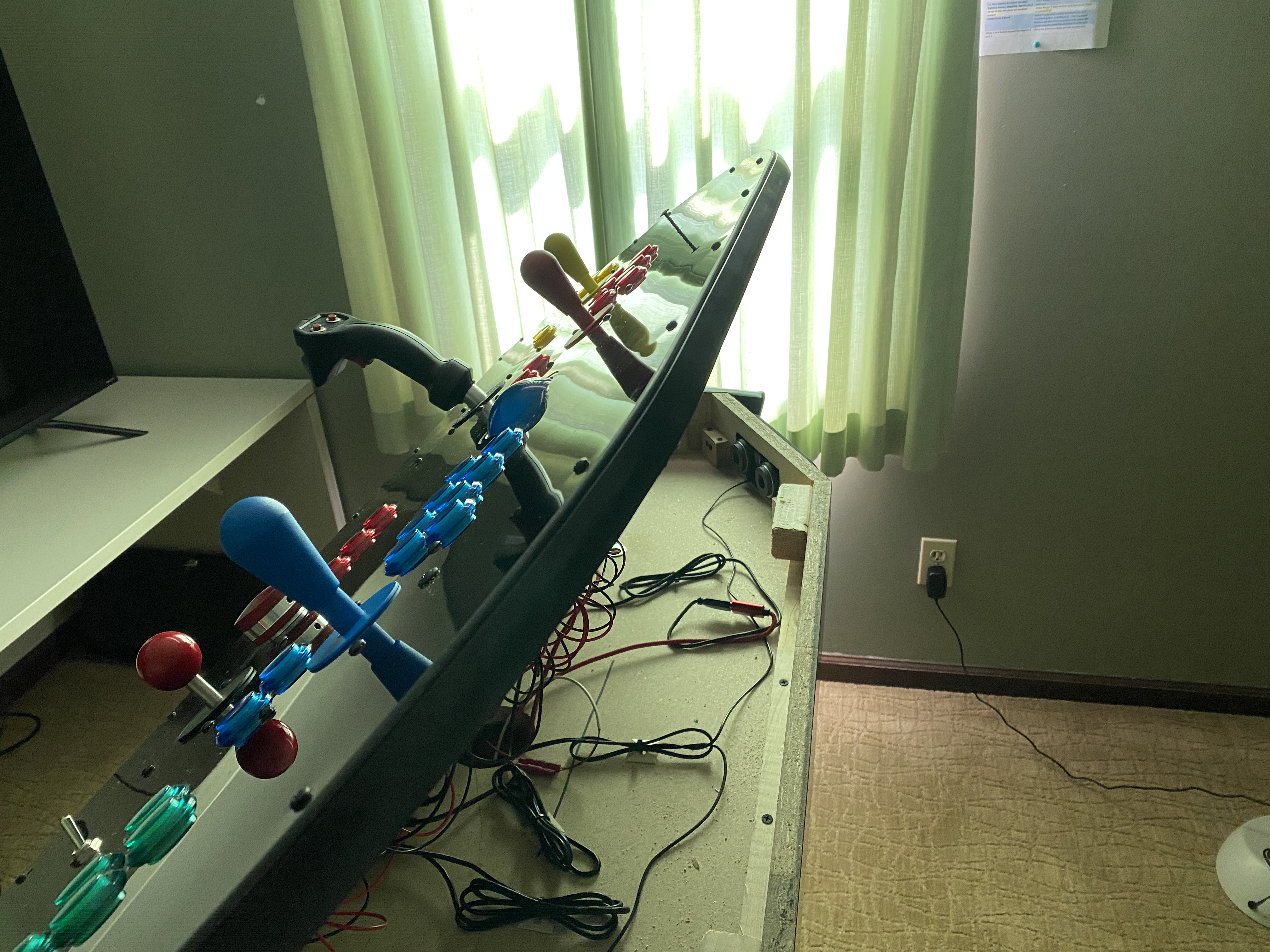
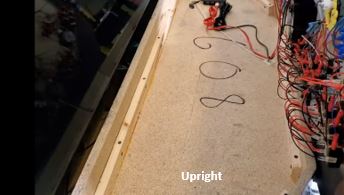
Lift up the joystick/control panel like the hood of your car (hinged in BACK on Pedestals; and in the FRONT on an Upright machine). Have a friend hold the joystick/control panel open.

Pedestals can go through doors more easily than Uprights. You may have the option to simply rotate the joystick/control panel 90-degrees to get through doors without unplugging wires. To completely remove it, unplug the 5 quick disconnect cables. Take a photo before unplugging.


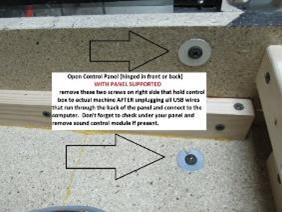
AFTER SOMEONE IS HOLDING THE JOYSTICK/CONTROL PANEL, remove the 4-screws that hold the joystick/control panel to the main cabinet. REMEMBER, BEFORE REMOVING THE LAST SCREW HAVE SOMEONE HOLD THE JOYSTICK/CONTROL PANEL SO IT DOES NOT FALL!