Clear Cart
Product Title
Add-On
Product Metafield Value
Option 1 / Option 2 / Option 3
Product Note
Subscription Plan Info
Product Discount (-$0)
COUPON1 (-$0)
$0
$0
-
+
Your cart is Empty. There must be something you'd like to add!
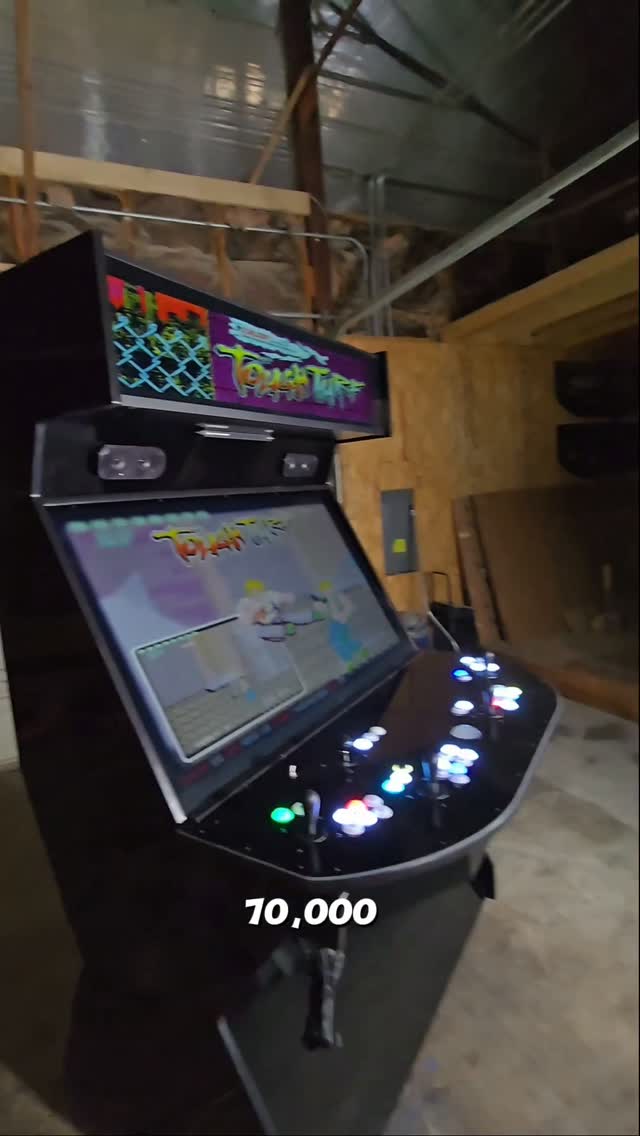
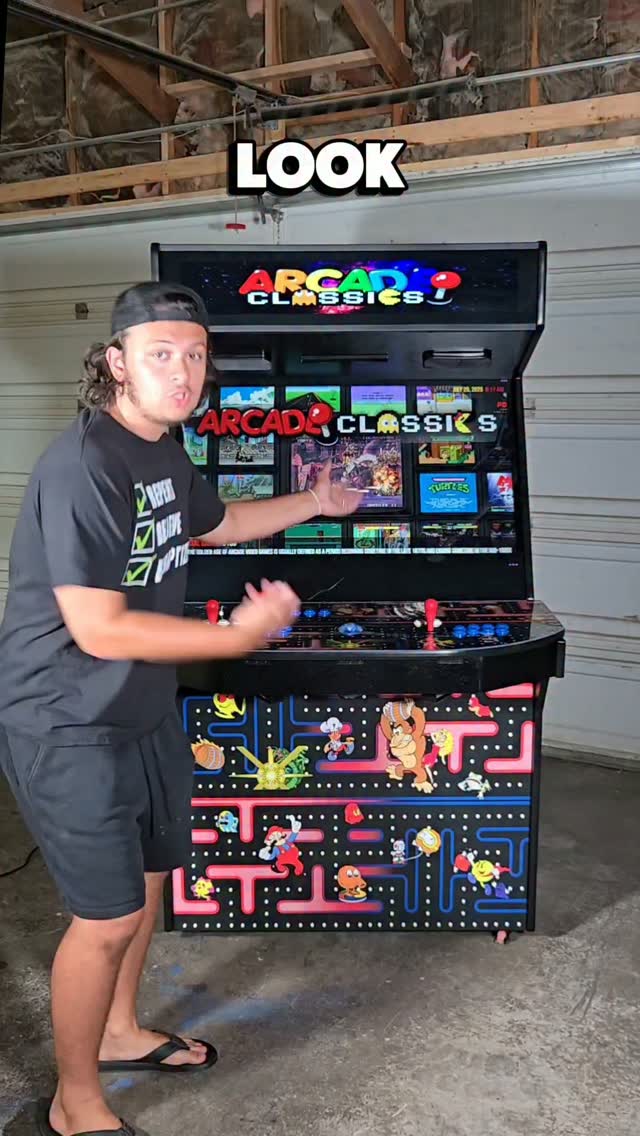
Extreme Home Arcades (EHA) offers many types of arcade machine builds and cabinets including the Megacade, Classic, Stealth, Pedestal, Game Box, TableTop and Cocktail style machines. While the builds and cabinets are different, they all offer many, if not all, of the same arcade games and the same basic front-end and back-end software.
EHA machines are PC and Windows-based gaming systems that allow the user to play thousands of games on hundreds of systems on one machine. EHA machines are mainly designed to play retro games. Computer emulators are used to emulate the original game/computer system. All of this sophistication means that sometimes the user will encounter errors, problems, and glitches — this just comes with the territory.
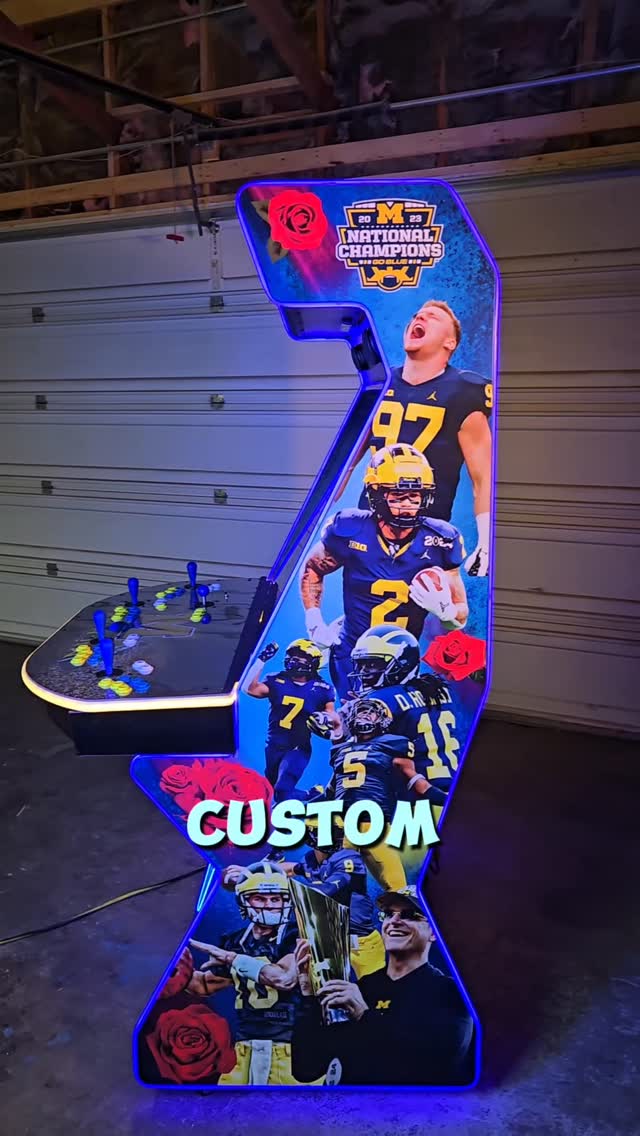
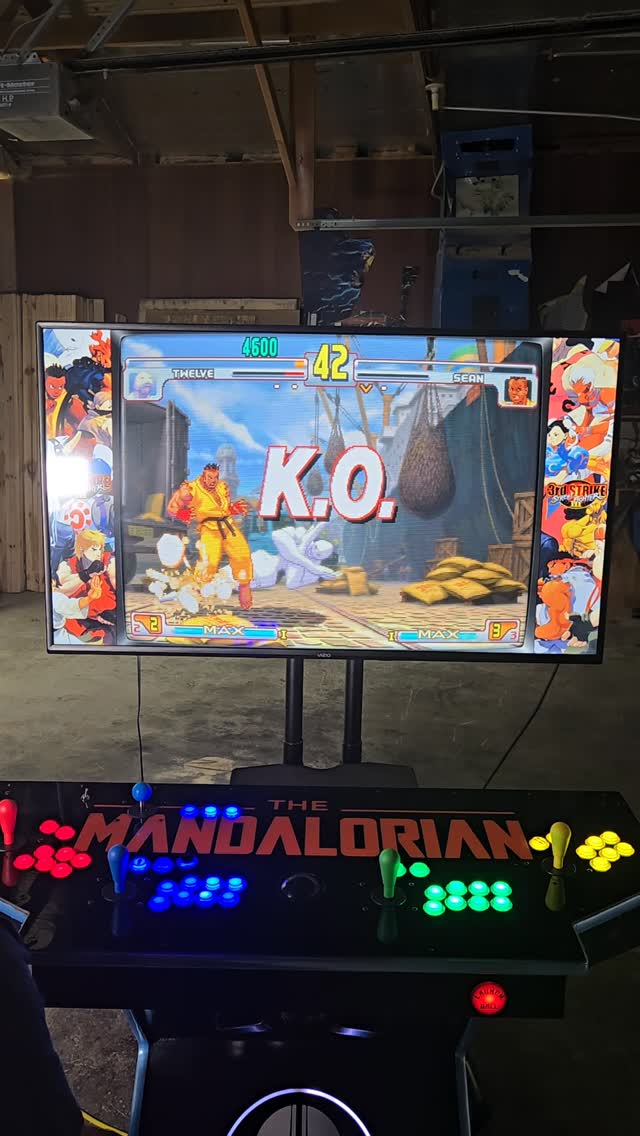
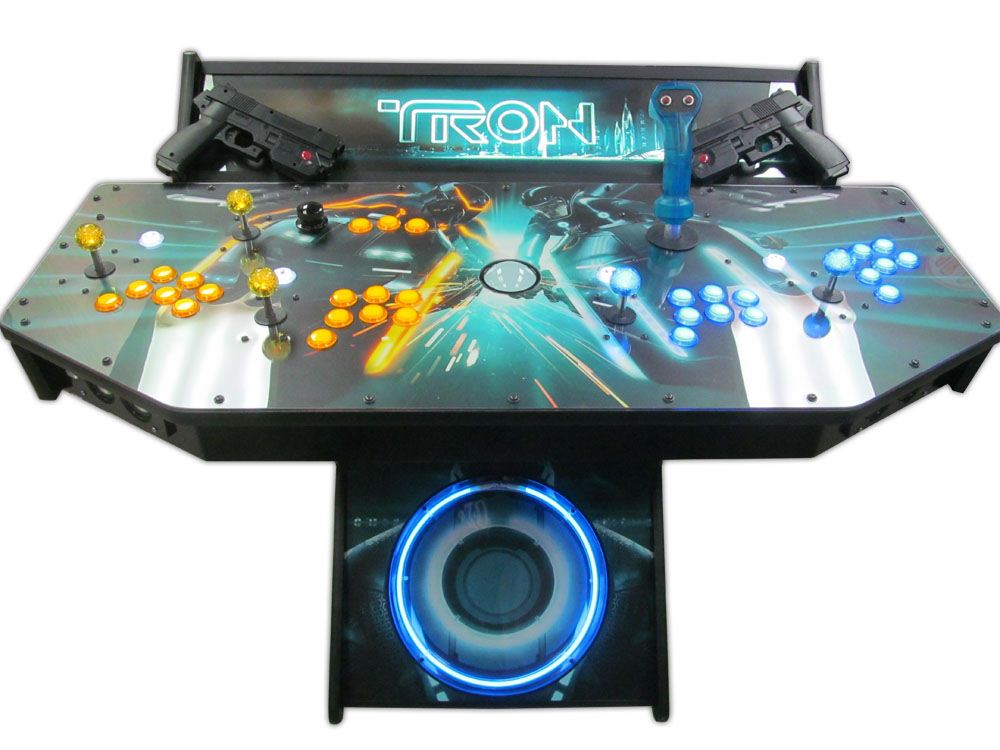
EHA machines are custom built according to the specifics of each customer. This can include different computer hardware, different button layout, different number of users (2 and 4-players), different marquee, different cooling systems and the like. Each system can be purchased or used with a wide variety of peripherals including: light guns (AimTrak, Gun4IR, Sinden), wireless analog controllers, flight/Tron sticks, steering wheel/pedals, spinners, wii controllers, joysticks, dance pads, and guitars.
LaunchBox is a gaming library frontend. Omega uses LaunchBox to provide a single place on your computer to organize and run your games. Big Box is a special version of LaunchBox designed for larger screens. When you turn on your arcade machine it plays a startup video, then lands at the Big Box Main Wheel — this is the front-end used to load games. When a user wants to organize games they use LaunchBox. When a user wants to play games, they use Big Box.

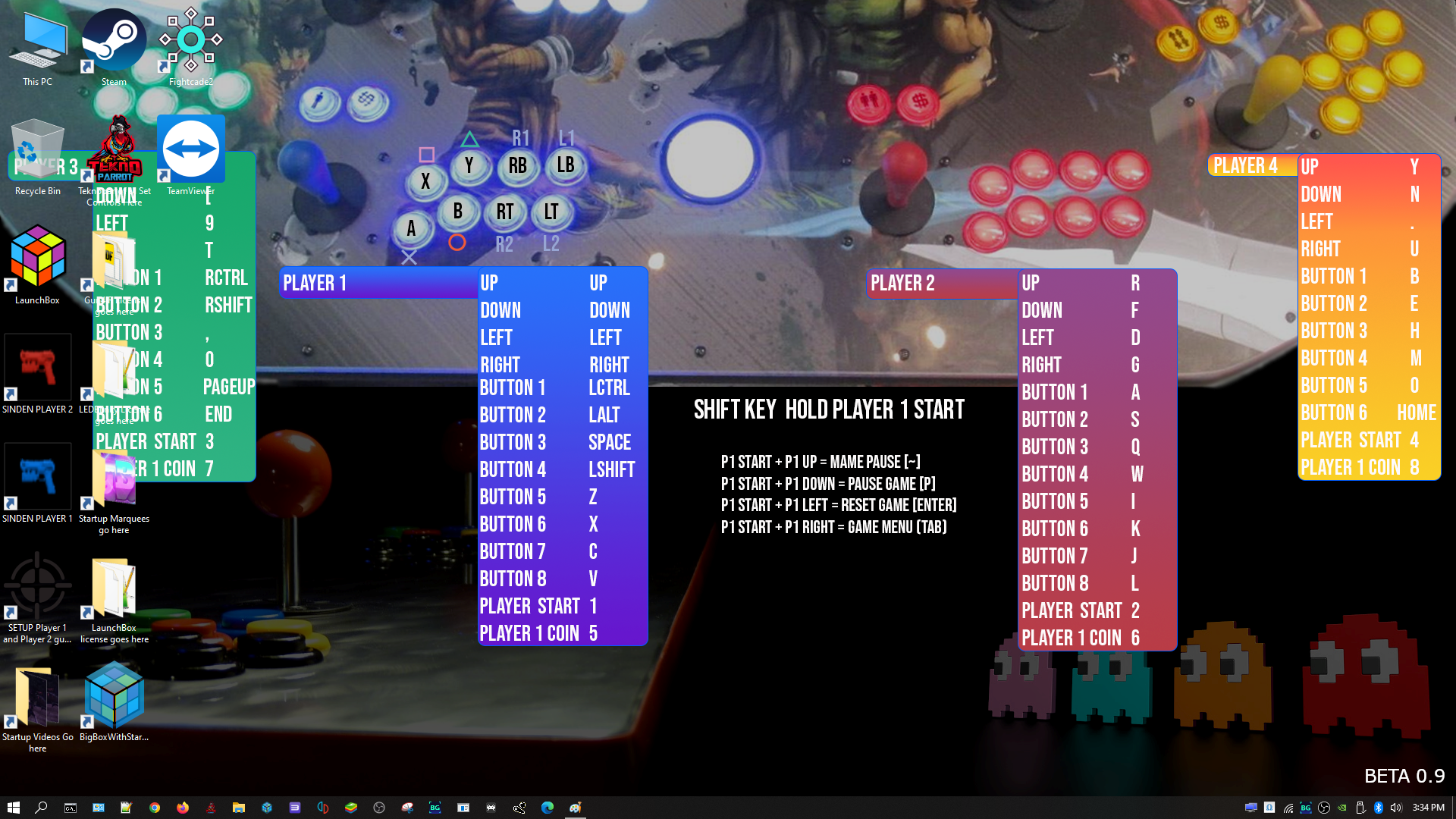
EHA systems use Microsoft Windows as a back-end system to control the many complicated computer functions needed to run emulators and games.
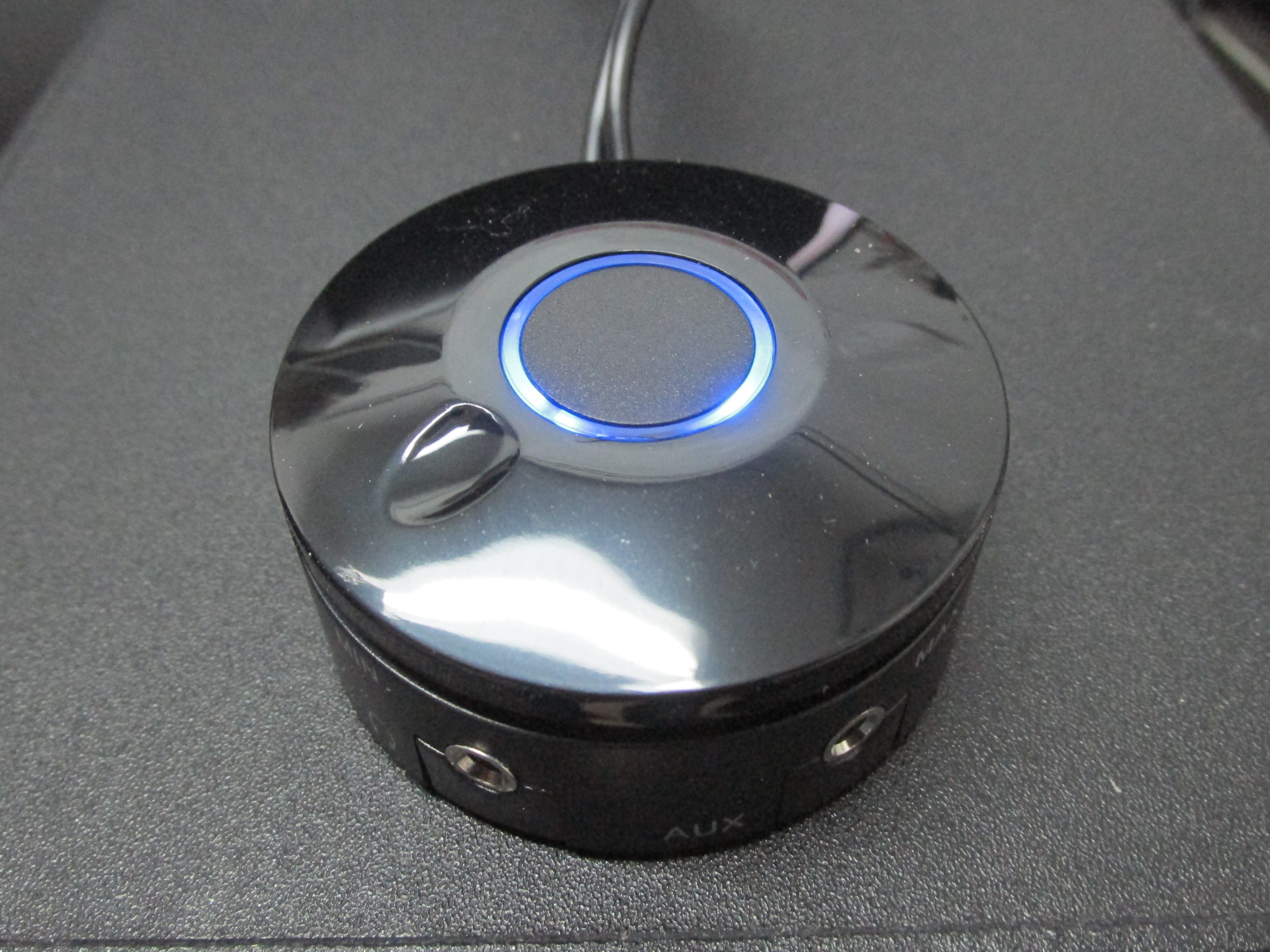
The Main Volume Control on all Uprights and Pedestals is located under the joystick/control panel. It glows blue when your machine is on. Turn the dial right to increase volume, left to decrease. There is a headphone jack and AUX input jack, plus a sub-woofer dial.
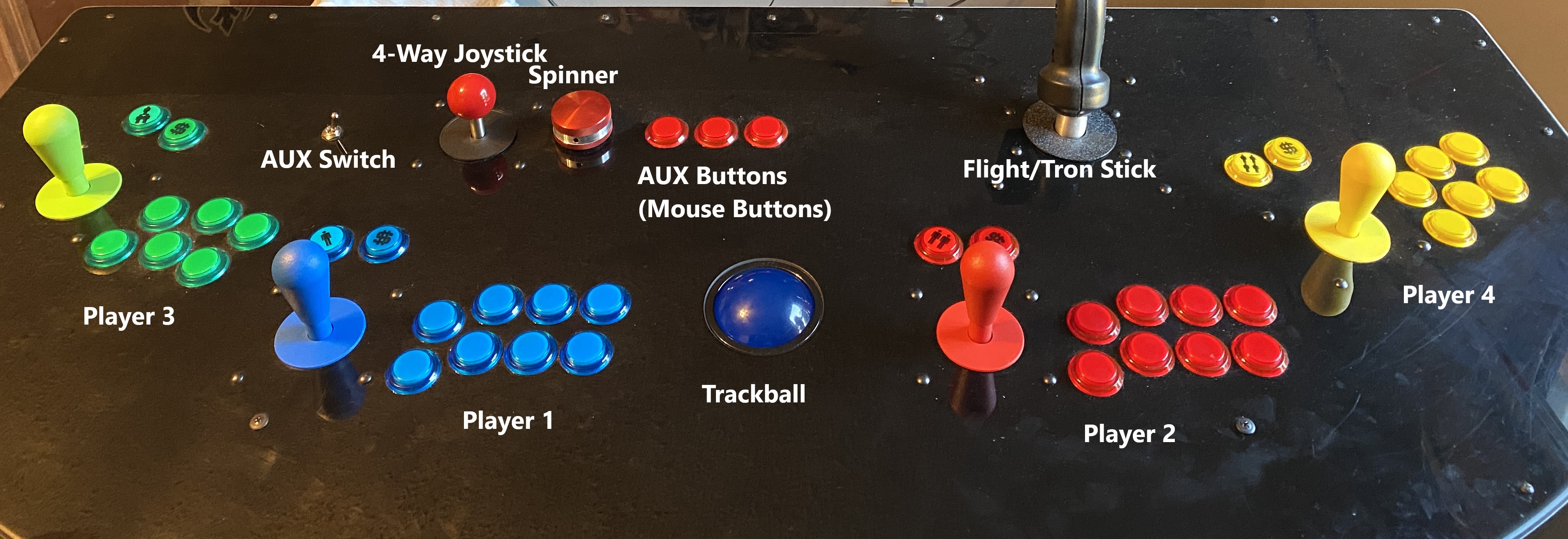

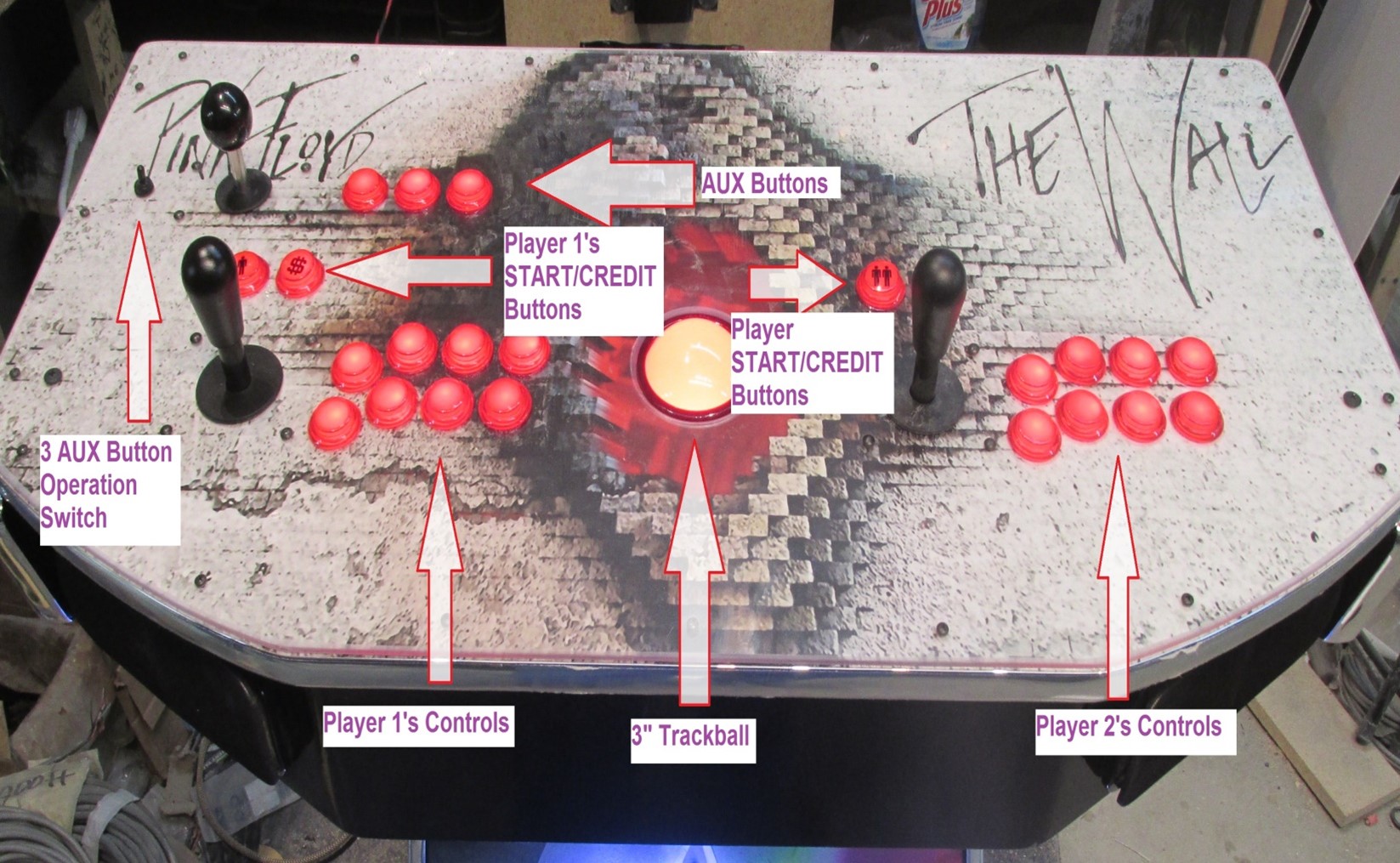
NOTE: The joysticks and buttons work for many but not all games. They will not work on Nintendo 64, GameCube, PlayStation 1/2/3, PSP, DreamCast and many new PC games — these require a wireless analog controller.
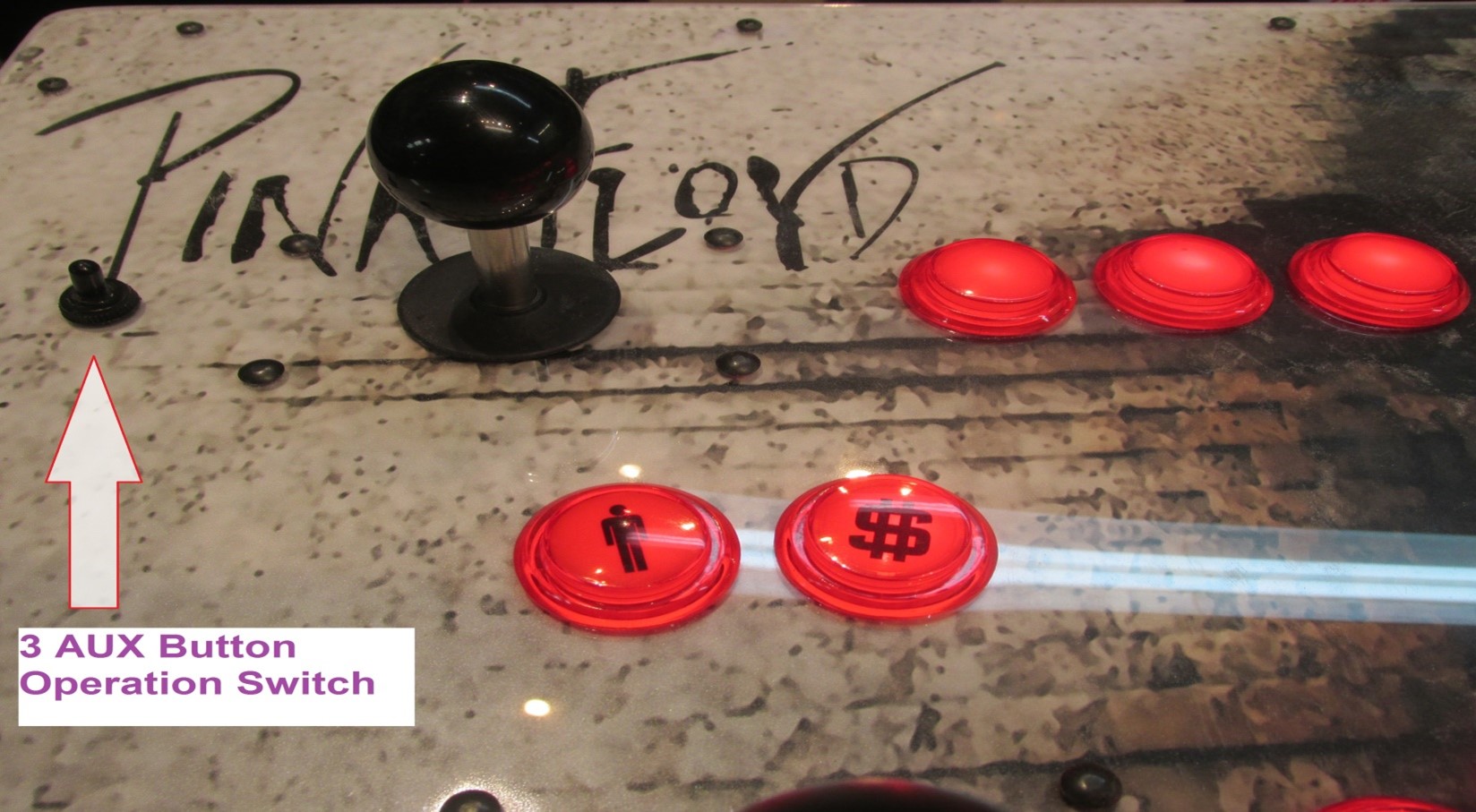
The Trackball can be used in games and as a mouse in Windows. When the AUX Switch is to the RIGHT, the three AUX Buttons become left, middle, and right mouse buttons. When in the LEFT position they act as Player 1's 1, 2, and 3 buttons.
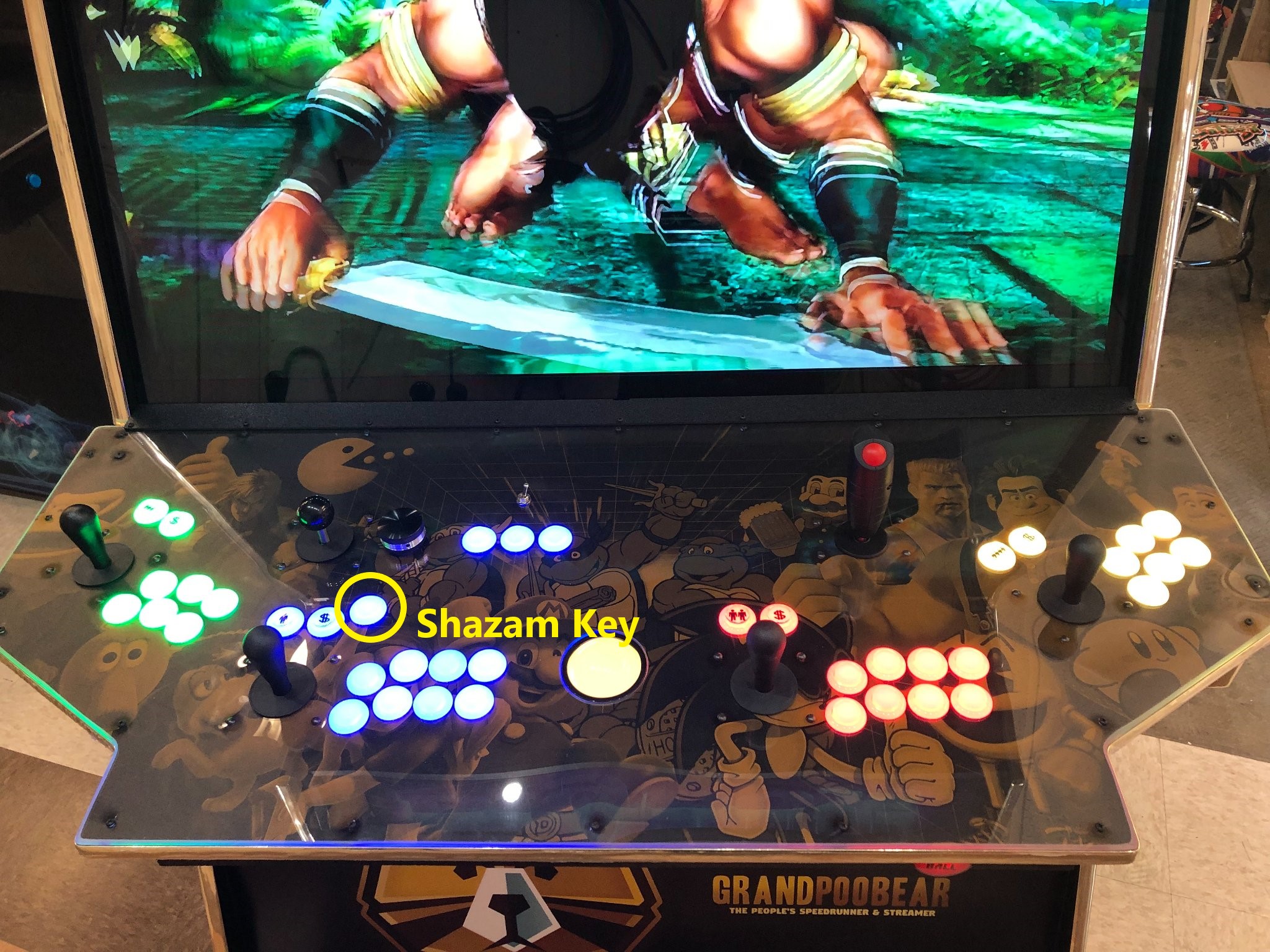
EHA machines do not come with a keyboard, but it is highly recommended that you purchase one. You will need it to interact with Windows and to map light guns and other peripherals.
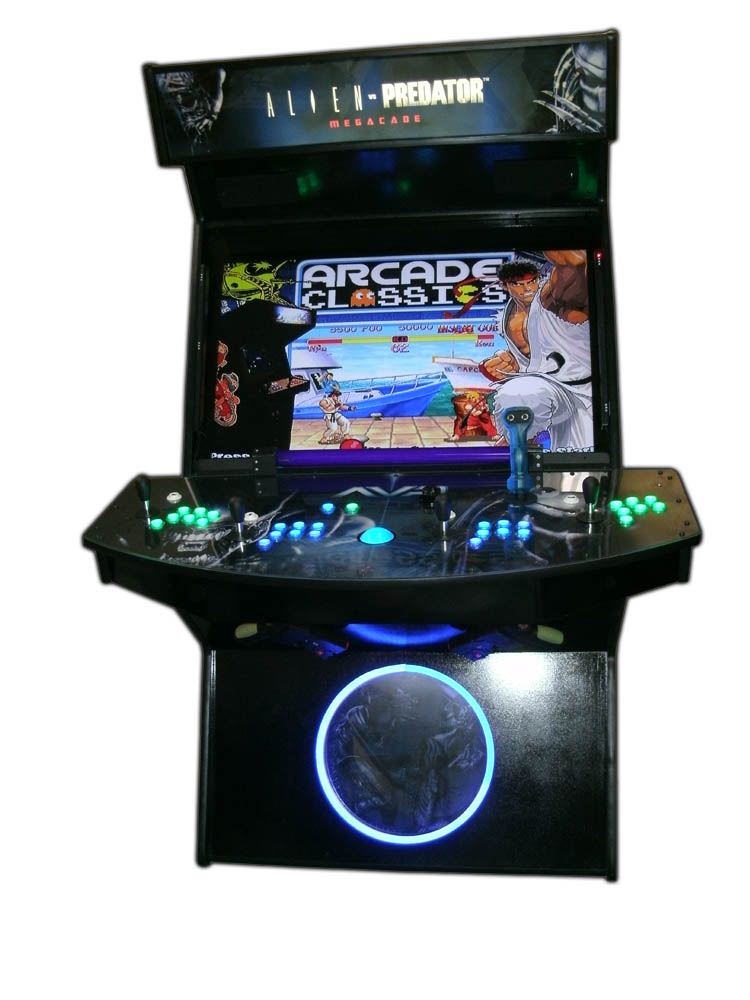
Active Marquees are a feature you can purchase for your EHA machine. See this video: Installing an Active Marquee on your EHA Machine.